Oct 12, 2026RFID Knowledge
Using RFID IDs in Livestock Records
Plan an RFID workflow by matching tags, readers, and software. Learn what to confirm for inventory, treatment records, and weighing applications.
An ID Is the Starting Point
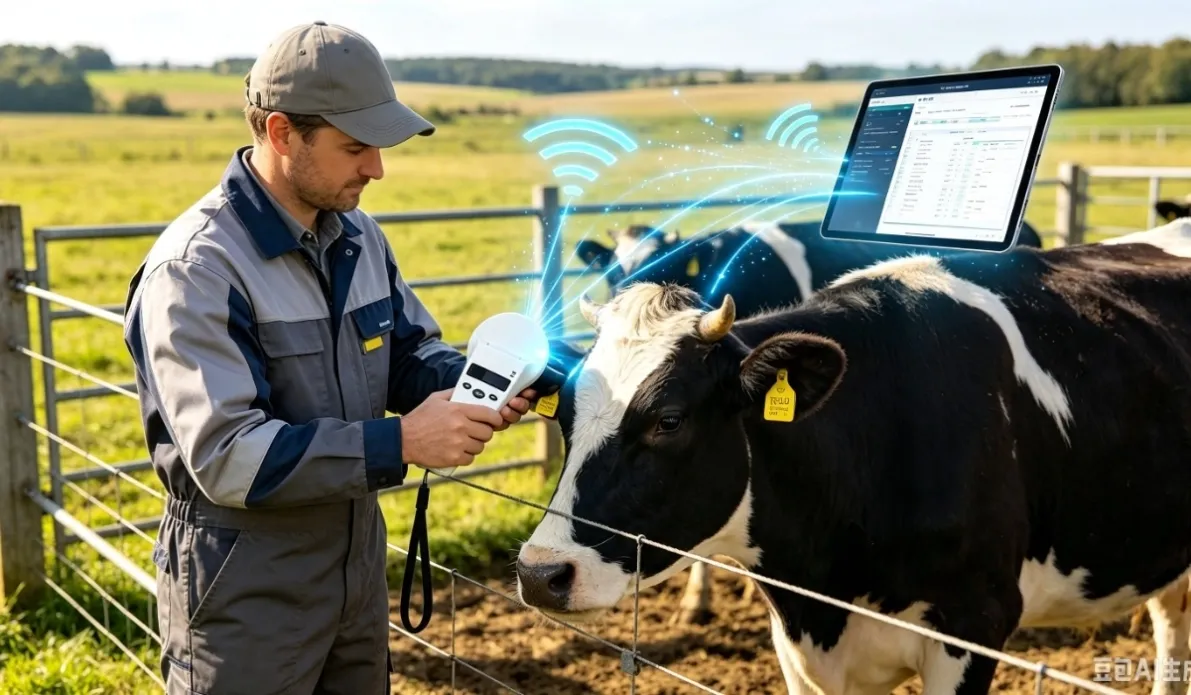
An RFID tag provides an electronic identifier. A compatible reader captures that ID, while animal records are maintained in your chosen software or database. Plan the tag, reader, and record workflow together.
Inventory Records
Define how IDs are collected and checked against your animal list. Confirm whether the reader stores scans, how duplicate scans are handled, and which file formats can be exported. Test the workflow with a sample group before expanding it.
Treatment and Breeding Records
A scanned ID can help select the correct animal record. Treatment dates, breeding events, and other observations still need to be entered or supplied by a configured system. A reader alone does not automatically determine these events.
Weighing Applications
Linking an ID with scale measurements requires compatible readers, weighing equipment, and software integration. Confirm interfaces, data format, ID matching, and the complete operating sequence with your system provider.
Confirm Compatibility Before Ordering
Check tag frequency and protocol, reader support, target reading conditions, export format, power supply, and any software requirements. Ask for model data sheets and a compatibility test where needed.
Prepare Your Inquiry
Share the intended application, tag and reader details, quantity, destination, and software or integration requirements. IMINID can help coordinate product selection and sample arrangements. Email: janezou58@gmail.com. WhatsApp: +86 139 7238 5058.