Custom Bird Leg Bands: Prepare a Numbering File
Prepare bird leg band numbering files with exact text, color and size references, duplicate checks, packing groups and artwork approval before a wholesale order.
For a custom bird leg band order, prepare a numbering file that identifies the exact text for each band and links it to an agreed product, size, color and packing group. Keep the identification codes as text, check for unintended duplicates, and approve a layout proof before confirming the marking instructions.
This guide is for breeders, distributors and purchasing teams planning a wholesale order. It covers the information to prepare for a quotation and artwork discussion; it does not select a ring size for a particular bird or confirm that a band meets an official registration scheme.
Start with the product reference
A numbering sequence alone does not describe the physical band. Record the selected product reference, ring style, agreed inner diameter, ring height and color alongside the marking instructions. Use the same units throughout the order.
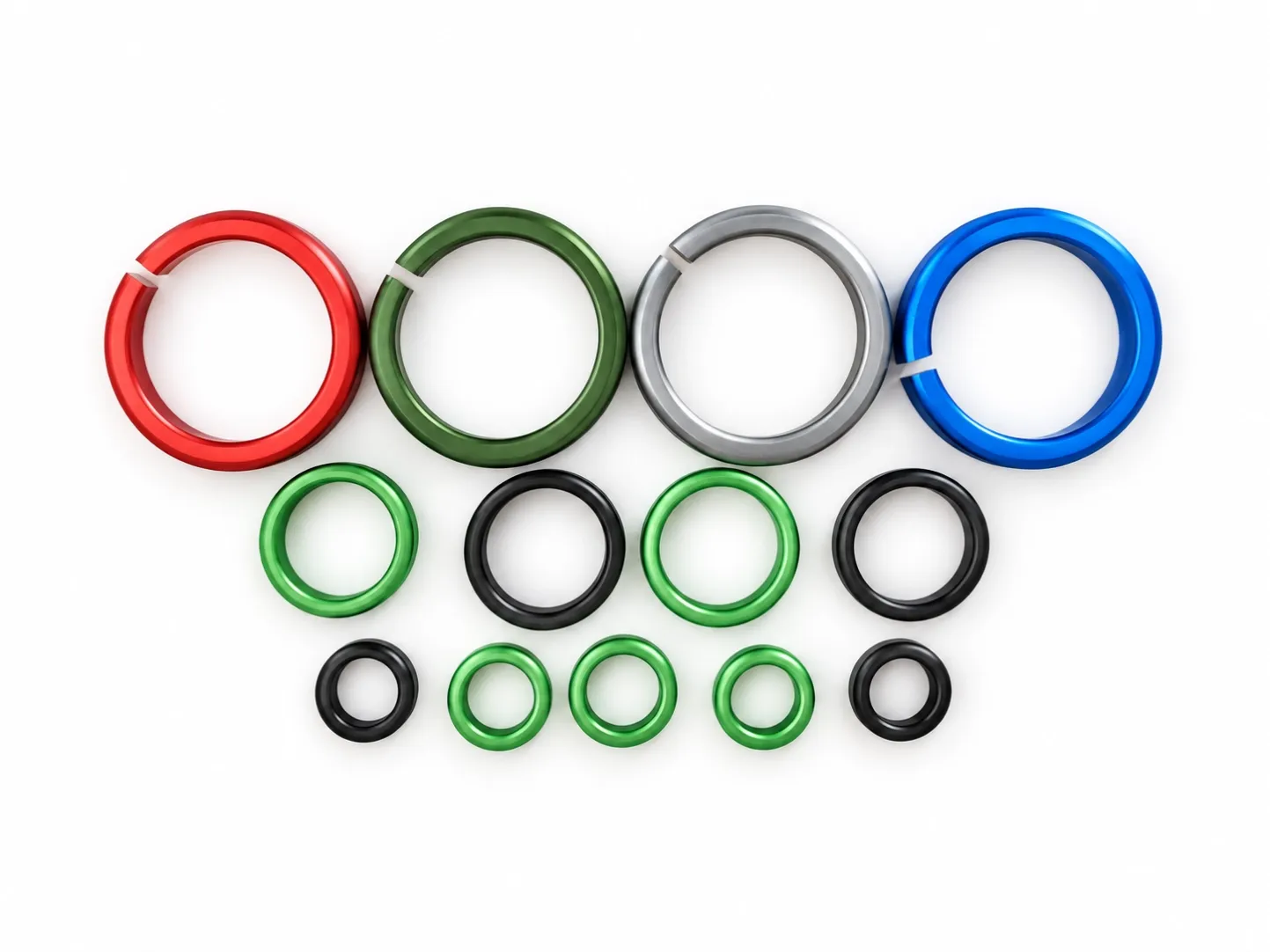
You can review IMINID’s Colored Bird Leg Bands as a product reference. The pictured range includes several colors and sizes. Exact material, dimensions and marking feasibility require confirmation for the selected model; the photograph is not a scale drawing or a compatibility guarantee.
Give every band an exact marking instruction
A practical starting point is one row per band, with separate columns for the product reference, agreed size, color, exact marking text and packing group. If identical text is intentionally repeated, record the required quantity and explain the repetition.
For a sequential order, state the prefix, first code, last code and total quantity. For example, DEMO-0001 through DEMO-0100 represents 100 codes when both endpoints are included. This is an illustrative file example, not a product specification or an official identification format.
Do not leave the supplier to infer whether a year, breeder code or punctuation belongs in the visible marking. Include spaces, hyphens and leading zeros exactly as required. Separate any internal purchase-order reference from the text to appear on the band.
Protect leading zeros in your spreadsheet
Identification codes should be handled as text rather than quantities used for calculation. Microsoft documents that Excel can remove leading zeros and change large numerical codes when treating them as numbers. Format the code column as Text before entering or importing the IDs.
After saving, reopen the file and inspect the first and last codes as well as any long or unusual codes. If you exchange a CSV, import the identification column as text when checking it. Do not rely only on how a cell looks on screen: verify the exact code that the recipient receives.
Check duplicates, gaps and packing groups
Review the complete file before requesting artwork. Look for blank codes, unintended duplicates, missing values in a continuous sequence and mismatches between row counts and the requested quantity. Treat deliberate omissions or repeated codes as written exceptions.
Define whether an ID must be unique across the whole order or only within a specified group. If numbering restarts for each color, say so explicitly. If cartons or bags must follow a sequence, add a packing-group reference and ask the supplier to confirm the arrangement.
Keep a copy of the original file and give each revision a clear version name. Send one current approved version for production instructions so that an old sequence is not mistaken for the final one.
Approve the layout before the bulk order
Request a proof showing the intended text, line breaks and orientation on the selected band. Review short and long codes, characters that may be confused, and any logo or special symbol. Ask whether the proposed layout and marking process are feasible for that model.
A layout proof checks the proposed appearance. It does not by itself establish physical fit, marking durability or regulatory approval. Agree separately whether a physical marked sample is needed and what it should demonstrate before the bulk order proceeds.
Private custom numbering should not be presented as an official association or national identification code without confirmation from the relevant organization. Avoid adding claims of approval to the artwork based only on a supplier photograph.
Discuss your bird leg band requirements
Browse the Pigeon & Bird Rings category to identify the product you want to discuss. Prepare the product reference, required dimensions, quantities by color, destination and a short example of your proposed marking. Final availability, marking options, pricing and lead time are confirmed with the quotation.
Request a bird leg band quotation from IMINID and include those requirements in your message. Use sample codes for the initial discussion; a complete private identification file is not needed to explain the project.
Reference
Microsoft Support: Keeping leading zeros and large numbers — reference for spreadsheet handling. Product options remain subject to IMINID’s model-specific confirmation.