RFID Ear Tags and QR Codes: Link Both to One Animal Record
Compare RFID ear tags and printed QR codes, then plan ID mapping, database links and sample checks before ordering animal identification tags.

A livestock identification project may use an RFID ear tag, a printed QR code and a visible management number for the same animal. These identifiers can support one record, but they do not become connected simply because they appear on the same tag. The relationship needs to be defined in the data file and tested in the intended workflow.
RFID and QR codes use different reading methods
An RFID ear tag contains an electronic transponder read by compatible RFID equipment. A printed QR code is an optical symbol read by a suitable camera or scanner. Printing a QR code on a visual ear tag does not add an RFID transponder, and a standard animal RFID reader should not be assumed to read QR codes.
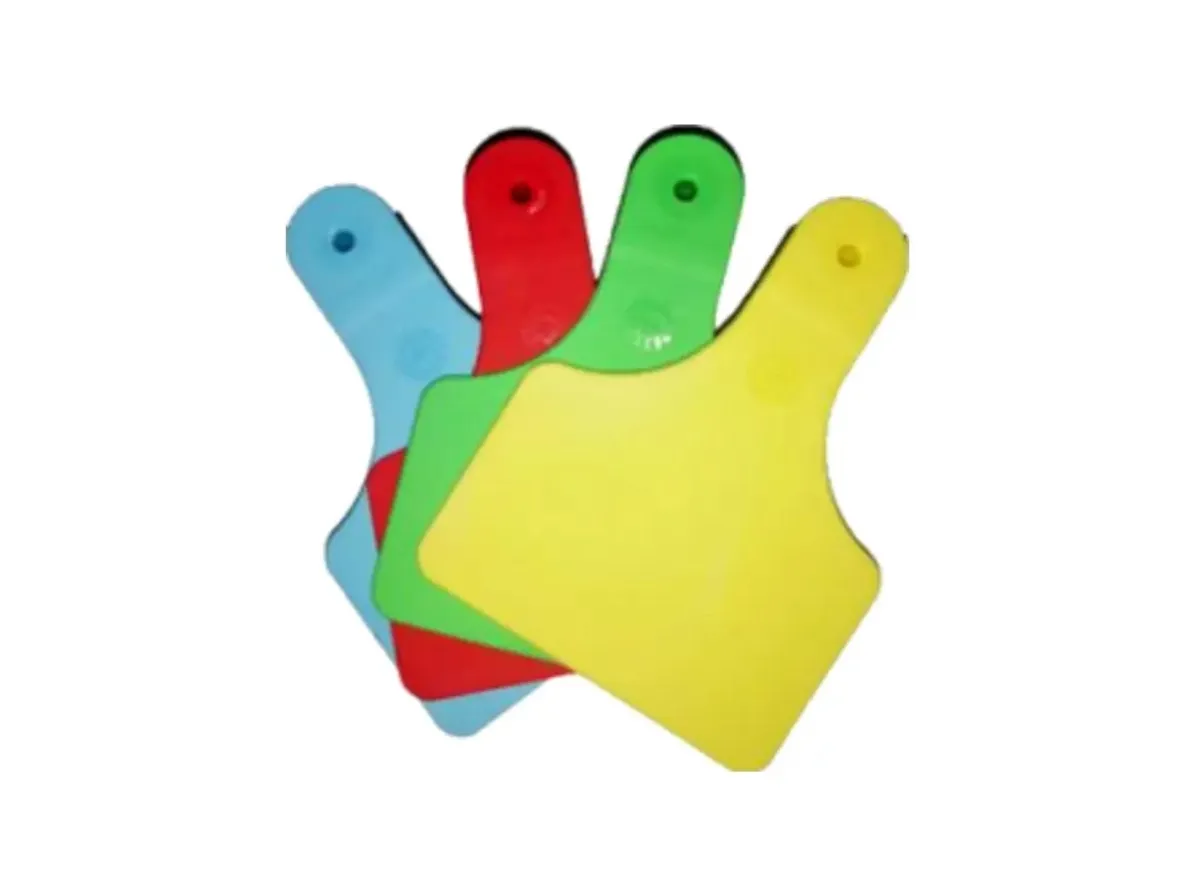
When comparing models, specify whether the order requires electronic identification, printed identification or both. See our round FDX-B RFID ear tags for a product reference; any additional marking layout requires separate feasibility confirmation.
Define what the QR code contains
A QR code can encode an identifier or a web address. If it contains a link to a management system, the destination system controls the record that opens and the permissions needed to view it. The printed code alone does not create a database, register an animal or maintain the website.
Before preparing artwork, agree on who generates the codes, who maintains the destination and how a user should access the record. Keep private owner information behind appropriate access controls rather than assuming that a publicly scannable tag should display it.
Keep one approved mapping file
A useful project file assigns one row to each intended animal identification set and separates the following fields:
- Visible tag number, including prefixes and leading zeros.
- Electronic RFID ID, when the selected tag has a transponder.
- QR content or final destination link.
- Model, colour and packing-group reference.
These values do not have to look identical, but their relationship must be unambiguous. Ask the software team to confirm which field is the permanent record key, then review the file for missing rows, duplicate allocations and incorrect links before authorising marking.
Check the real marking area
A logo, number and QR code must share the usable tag panel. DENSO WAVE specifies a clear margin four modules wide around a standard QR symbol. The suitable printed size still depends on the code content, marking process, surface and scanning equipment; a digital preview is not a substitute for a physical test.
Do not assume that every ear tag model accepts every code layout. Send a small set of test codes and the intended layout for review. IMINID will need to confirm marking feasibility and available samples for the selected product before a bulk order.
Approve the complete workflow with samples
Scan each sample code, compare the decoded value with the approved row and check that the correct animal record opens. Where RFID is included, read the electronic ID separately and verify that both paths reach the same intended record. Test with the actual phones, readers and software planned for use.
Also agree on a replacement process so a lost tag does not leave two active identifiers attached to different records. Our RFID ear tag replacement guide explains the record-linking questions to resolve.
Planning a combined identification project?
Send your tag model, required identifier types, redacted mapping example, quantity and destination. We will review product and marking requirements before quotation.
Discuss Ear Tag Requirements
References: DENSO WAVE QR code area and clear-margin guidance; ICAR identification-device terminology. Official programme acceptance must be checked for the exact supplied model and destination.